
Search Partners and Display Expansion: Two Google Ads Settings That Waste Your Budget
Search partners and Display expansion send your Search budget to other sites. Here's why we turn them off.
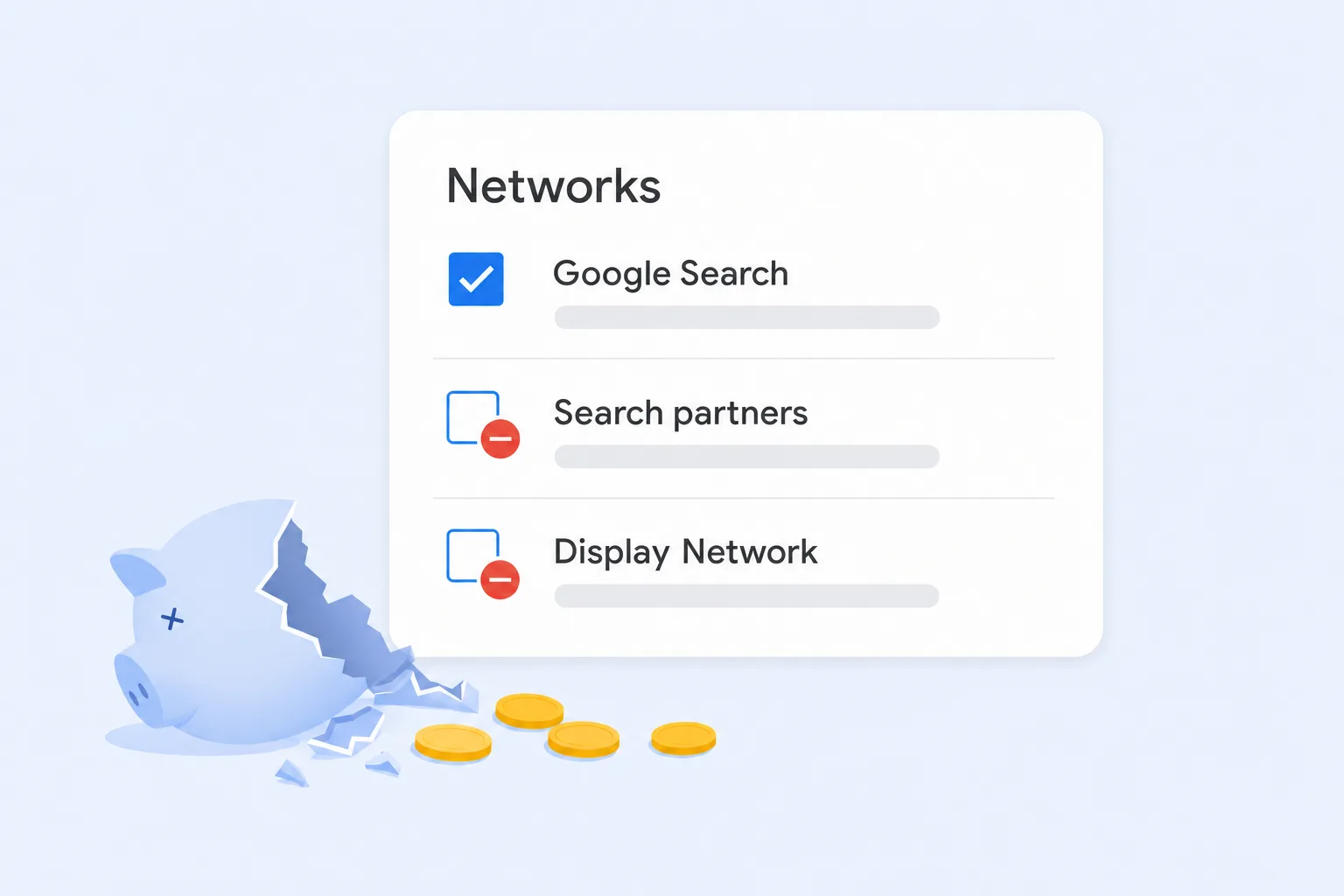
When you create a Search campaign in Google Ads, two boxes under "Networks" are usually checked for you: Search partners and the Display Network. Most advertisers never look at them. Both send part of your budget away from Google Search to other websites, and in our experience, that's where a lot of wasted spend hides.
We think these are two of the most expensive defaults in Google Ads. Here's what each setting does, what Google says about them, where the risks come from, and how to control them.
What Search Partners Actually Are
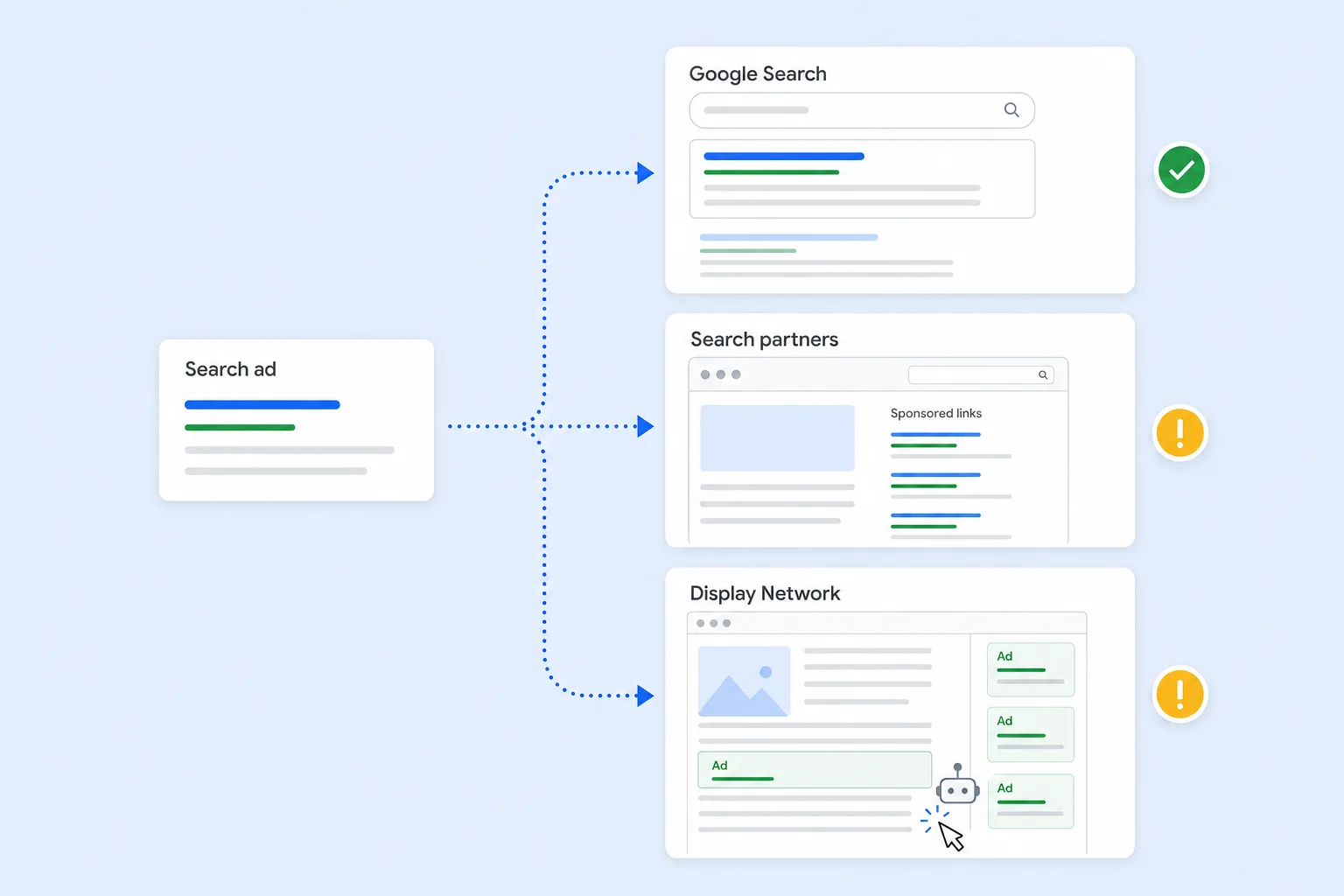
The Search Partner Network is a group of non-Google websites that show Google search ads. Google describes it as "hundreds of non-Google websites," plus Google Video and other Google sites. When someone searches on one of those sites, or clicks a sponsored link there, your ad can show and you pay for the click.
Websites get into the network through AdSense for Search, a Google program that lets publishers put Google search ads on their own search results pages. Google says it's available through an account manager and that it reviews sites before approving them. Partner sites can also show "related search" links on their article pages. Those links send visitors to a results page filled with ads, and your ad can be one of them.
The problem is visibility and intent. A person searching on Google.com is usually looking for something. A person who clicks a "related search" link at the bottom of an article may just be curious, or may have clicked by accident. You're paying search prices for traffic that often doesn't behave like search traffic.
What Display Expansion Actually Is
Display expansion is the "Include Google Display Network" option inside a Search campaign. When it's on, Google takes your Search campaign's budget and also shows ads across the Display Network, which Google describes as more than 3 million websites, videos, and apps. Google automatically builds these ads from your Search ads and images.
This is where the blogs come in. Anyone with a website can apply for AdSense, Google's program that pays site owners to show ads on their pages. Those AdSense sites are a large part of the Display Network. So with Display expansion on, your Search budget can pay for banner ads on blogs, recipe sites, game apps, and content farms built mainly to earn ad revenue.
The site owner gets paid when people click. That creates an incentive to drive cheap traffic and clicks, and it's the same incentive behind bot traffic, incentivized clicks, and click farms.
Why We Think These Settings Waste Money
- Different intent: Search works because people are actively looking. Search partner and Display placements reach people who are reading, scrolling, or playing a game. Lower intent usually means more clicks that never turn into customers.
- Invalid traffic risk: Google filters invalid clicks and doesn't charge for the ones it catches. Independent studies still estimate meaningful invalid traffic, and it's higher on Display. Lunio, a click fraud protection company, analyzed about 2.7 billion ad clicks and estimated invalid traffic at 12.02% on Google Display versus 5.21% on Search.
- A history of bad placements: in 2019, Seer Interactive reviewed 3,785 Search Partner placements in one account and found every one was a parked domain, an unused web address that shows only ad links. In 2023, an Adalytics report found Google search ads on domains that appeared to be linked to piracy and adult content. Google disputed that report, but it later made parked domains opt-out by default and removed them from the network on February 10, 2026.
- Fake leads, not just fake clicks: low-quality traffic often fills out forms, too. If those spam leads count as conversions, Smart Bidding learns to find more of them, and your reports look better than your sales do.
- Less transparency than Search: you can see your search terms on Google Search. For Search partners, Google only added full site-level placement reporting in August 2025, and it shows impressions by site, not who clicked or what they did next.
What Google Says
To be fair, Google's position is that these networks can add conversions. Google says advertisers whose Search partner spend is at least 5% of their budget typically see about 11% more conversions with Target CPA or Maximize Conversions, when the campaign isn't limited by budget. For Display expansion, Google says campaigns with spare budget can deliver up to 15% more conversions at a similar cost per conversion.
Google has also added real controls over the past two years: placement reporting for Search partners, third-party exclusion lists from DoubleVerify, IAS, and Zefr, placement exclusions that apply across the Display Network and Search partners, and an invalid activity credit report.
Our concern is how those numbers are measured. They're based on conversions Google counts, and a spam form fill counts the same as a real customer. If your conversion tracking can't tell the difference, the extra "conversions" from these networks may not be extra revenue.
The New Option: Low Priority
In October 2026, Google announced channel prioritization and budget allocation. On Search campaigns, you can now set Google Search, Search partners, and the Display Network to "High priority" or "Low priority." Low priority channels only get budget after high priority channels are funded, and you can cap them at a percentage of your daily budget. Setting the cap to 0% stops spend on that channel.
Google also says that starting in February 2027, Search campaigns with the Display Network turned on will move to this new model, and spending between channels may shift. If you leave Display expansion on and do nothing, your spend mix could change without you noticing.
How to Turn Them Off
- Open campaign settings: in Google Ads, go to Campaigns, select your Search campaign, and open Settings.
- Expand Networks: uncheck "Include Google search partners" and "Include Google Display Network," then save.
- Check every campaign: these are campaign-level settings, so review each Search campaign, and check new campaigns when you create them.
- Check the new priority settings: if your account has channel prioritization, confirm Search partners and the Display Network aren't set to high priority at the account level.
If You Want to Test Them Instead
Some accounts do get real results from Search partners. If you want to test rather than switch them off completely, protect yourself first:
- Track real outcomes: measure qualified leads, booked calls, or revenue, and import offline conversions if you can, so bidding learns from actual customers.
- Segment by network: in your campaign report, segment by network to compare cost per conversion and lead quality for Google Search and Search partners.
- Review placements monthly: use the Search partner placement report and the Display placement report, and exclude low-quality sites.
- Use Low priority with a cap: set Search partners or Display to Low priority with a small budget percentage so they can't take budget from Google Search.
- Run Display on purpose: if you want Display, build a separate Display or Demand Gen campaign with its own budget, creative, and targeting instead of letting a Search campaign spill over.
Final Thoughts
Search partners and Display expansion are easy to miss because they're checked by default and sit inside a campaign you think of as "Search." For most advertisers we work with, the safest starting point is Google Search only. Add other networks only when you have the conversion tracking to prove they bring in real customers.
At Uppertier Marketing, checking network settings is one of the first things we do when we review an account. If you're not sure where your Search budget is going, schedule a call with our team.


