
Google Search Campaigns: When They Work Best and How to Run Them
How Search campaigns work, which business goals they're best for, and how to set one up for calls, leads, and sales.
Search campaigns are the original Google Ads campaign type and still one of the most effective. Your text ads show on Google search results when someone searches for what you sell, which means you reach people at the exact moment they're looking.
That intent is what makes Search so powerful. Someone typing "payroll software for small business" or "same day dental crown near me" already has a need. Your job is to show up with the right message and make it easy to act.
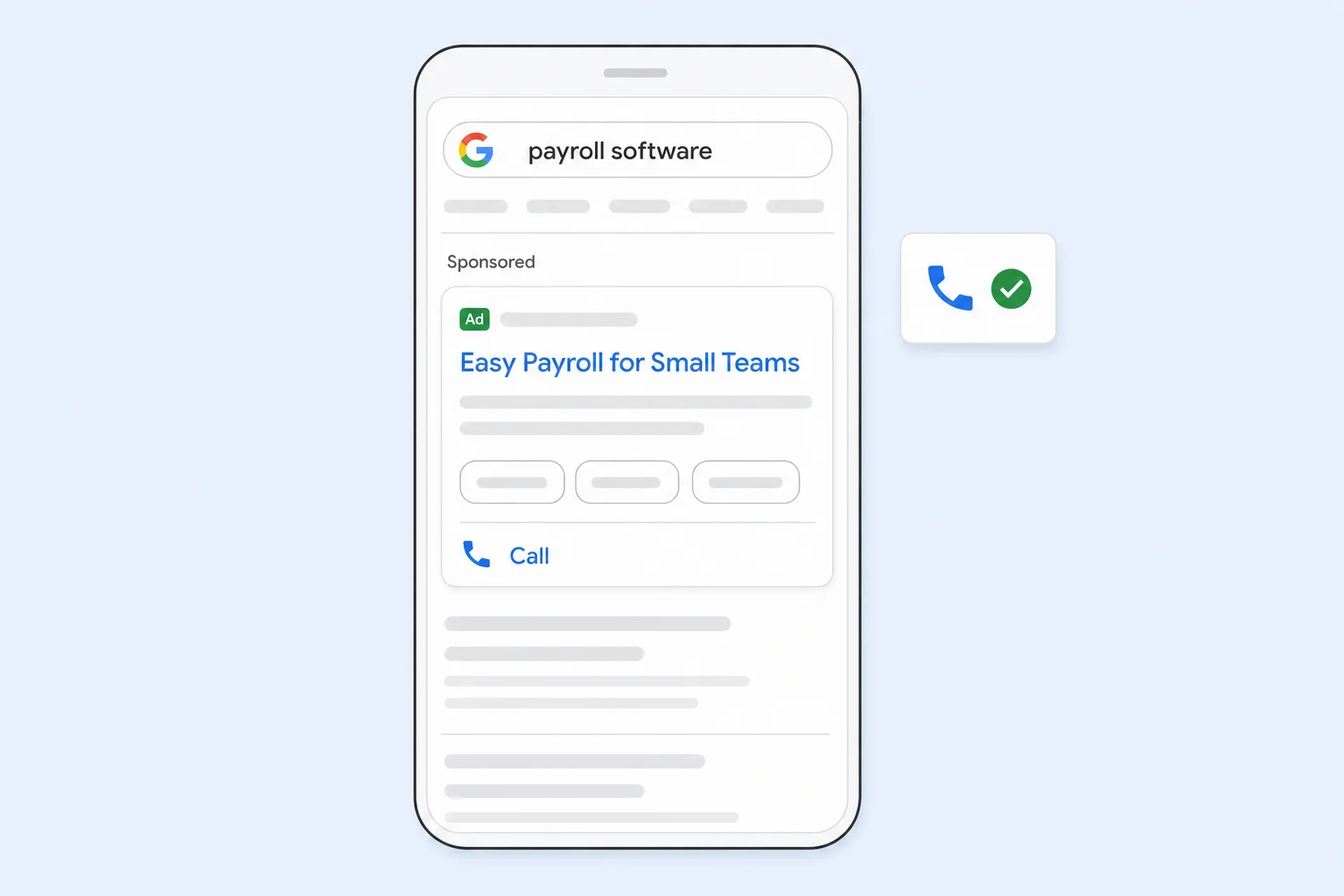
How Search Campaigns Work
You choose keywords that match what your customers search for. When a search matches one of your keywords, Google runs an auction and decides which ads to show based on your bid, the quality of your ad and landing page, and how relevant everything is to the search.
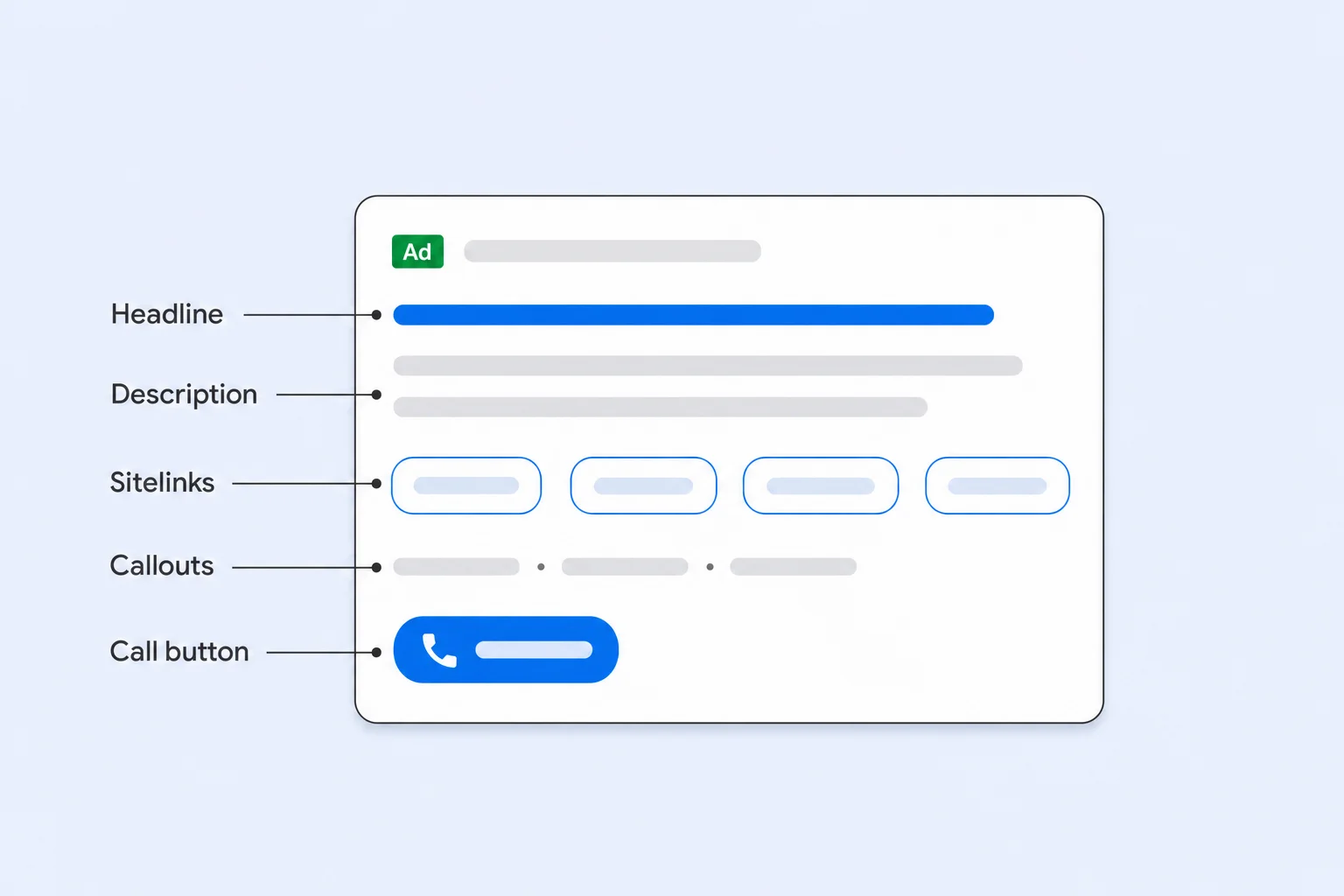
Search ads are text-based. Each responsive search ad can include up to 15 headlines and 4 descriptions, and Google tests combinations to find what performs best. You can also add assets like sitelinks, callouts, call buttons, locations, and images to make your ad bigger and more useful.
What Search Campaigns Are Best For
- Phone calls: call assets put a call button right on your ad, and you can schedule it to show only during business hours. Search is one of the strongest campaign types for driving calls, especially on mobile.
- Form leads and quote requests: people searching for a specific service or solution are often ready to reach out. Search lets you match your ad and landing page to that exact need.
- B2B and high-consideration purchases: buyers researching software, equipment, or professional services search with very specific terms. Search lets you target those terms and skip the broad, casual traffic.
- Brand protection: bidding on your own brand name keeps competitors from taking the top spot when people search for you.
- Online sales: Search works for ecommerce too, especially for brand terms and high-intent product searches, but most online stores get more from Shopping and Performance Max for product sales.
Pros and Cons
The biggest advantage of Search is control. You decide which keywords to target, which to exclude, what your ads say, and where clicks land. The search terms report shows the actual searches that triggered your ads, so you can see exactly what you're paying for.
The tradeoff is reach. Search only shows ads to people who are already searching, so it can't create demand that doesn't exist yet. In competitive industries, cost per click can also be high, which makes strong landing pages and conversion tracking essential.
How to Set Up a Search Campaign
- Start with conversion tracking: make sure calls, forms, and purchases are tracked before you launch. Without it, automated bidding has nothing to learn from.
- Group keywords by theme: build ad groups around tight themes so each ad and landing page matches the searches in that group.
- Choose match types carefully: exact and phrase match give you more control. Broad match reaches more searches and works best when paired with smart bidding and solid conversion data.
- Add negative keywords: exclude searches that don't fit, like "free," "jobs," or services you don't offer.
- Use every relevant asset: sitelinks, callouts, call assets, and location assets improve click-through rate at no extra cost per impression.
- Pick a bid strategy that matches your goal: Maximize Conversions for leads and calls, Maximize Conversion Value for sales with different values.
Search vs. Performance Max
Performance Max can also show ads on Google search, so many advertisers wonder if they need both. In most accounts, they work well together. Search gives you control over your most important keywords and messaging, while Performance Max finds additional customers across Google's other channels. When a search matches an exact match keyword in your Search campaign, Google generally prioritizes that keyword over Performance Max.
Common Mistakes
- Using broad match without negative keywords or conversion tracking.
- Sending all traffic to the home page instead of a relevant landing page.
- Putting too many unrelated keywords in one ad group.
- Never checking the search terms report.
- Running call assets outside business hours when no one can answer.
Final Thoughts
If your goal is phone calls, leads, or reaching buyers who already know what they need, Search should almost always be part of your account. It pairs especially well with Performance Max for broader reach.
At Uppertier Marketing, we build Search campaigns around real buying intent, track every call and form, and review search terms every week. If you want more qualified calls and leads from Google, schedule a call with our team.


